How to Print a High Quality Banner?
A high-quality banner begins long before ink reaches the material. It starts with a clear purpose, accurate artwork, and a realistic understanding of viewing distance. Whether the banner hangs outside a shop or stands at an indoor event, every design choice affects readability and durability. Good printing banner results depend on preparation, not luck.
Professional printers usually check image resolution, color settings, bleed, and final dimensions before production. Large graphics may look sharp on a monitor but appear soft when enlarged. A resolution near 150 DPI at the final size often works for distant viewing, while closer displays may require more detail. Strong contrast helps text remain readable under changing light. However, bright screens can mislead the eye. Printed colors may look darker or less vibrant than expected, so a physical proof remains valuable.
Material selection also matters. Vinyl can resist light moisture and everyday handling, while fabric may offer a softer appearance with reduced glare. Hemming, reinforced edges, and correctly placed grommets help prevent tearing in windy conditions. Small details matter.
Even experienced teams can overlook installation space or viewing angles. That mistake is worth examining. A beautiful banner can still fail if its lettering is too small or its finish reflects harsh sunlight. This guide explores practical steps for producing a banner that looks professional, communicates quickly, and performs reliably in its intended environment. Careful checking improves confidence, although no production process is completely free from surprises.
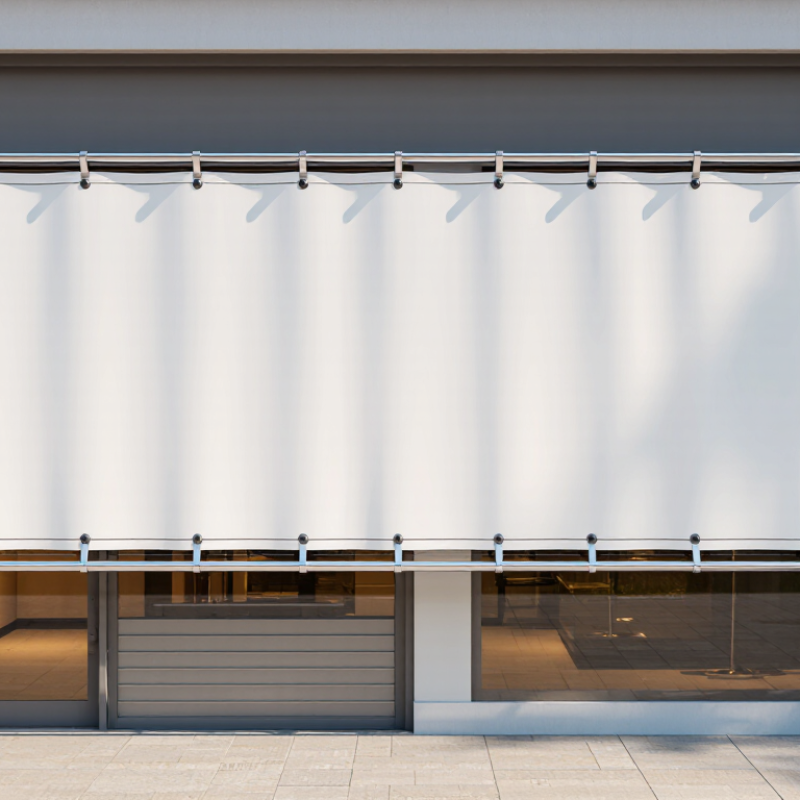
Define the Banner’s Purpose, Size, and Viewing Distance
A high-quality banner begins with purpose, not pixels. Decide whether it will guide visitors, promote an event, or strengthen a location’s identity. Each purpose changes the message, image style, and reading time. The Outdoor Advertising Association of America reported $9.1 billion in U.S. out-of-home advertising revenue in 2023. That figure shows how much competition exists for public attention.
Measure the installation area before choosing artwork. Record width, height, mounting points, lighting, and nearby objects. Then estimate the normal viewing distance. A banner beside a doorway may need a compact message. A roadside banner needs fewer words and stronger contrast. The Sign Research Foundation identifies viewing distance, letter height, contrast, and visual complexity as key sign-legibility factors. I often allow more space than expected. Crowded designs can look acceptable on a monitor, but fail from thirty feet away. That mistake is easy to make.
Tips: Use one clear message. Keep essential text short. Test the design at its real viewing distance. Print a small proof first. Check dark areas, thin lines, and pale colors under actual lighting. Professional prepress guidance from the International Organization for Standardization also stresses controlled viewing conditions for evaluating printed color. Screen previews are not enough. Measure twice. Maybe three times. For large-format output, confirm the final file’s scale, resolution, bleed, and color profile with the print technician before production.
How to Print a High Quality Banner? - Define the Banner’s Purpose, Size, and Viewing Distance
| Banner Purpose |
Recommended Banner Size |
Typical Viewing Distance |
Recommended Final Resolution |
Design and Printing Guidance |
| Indoor directional sign |
24 × 36 in (61 × 91 cm) |
3–10 ft (1–3 m) |
150–300 PPI |
Use clear headings, high contrast, and simple icons. Small text should be avoided because viewers usually read the banner while walking. |
| Trade show or event backdrop |
8 × 8 ft (2.44 × 2.44 m) |
6–20 ft (2–6 m) |
100–150 PPI |
Place the main message and logo area above table height. Use large typography and keep important content away from seams, frames, and display hardware. |
| Retail promotional banner |
3 × 6 ft (0.91 × 1.83 m) |
8–25 ft (2.4–7.6 m) |
100–150 PPI |
Highlight one primary offer or call to action. Use readable prices, strong color contrast, and enough empty space around the key message. |
| Outdoor street or fence banner |
3 × 10 ft (0.91 × 3.05 m) |
20–60 ft (6–18 m) |
75–100 PPI |
Use weather-resistant material, reinforced edges, and evenly spaced grommets. Keep copy brief so it can be understood quickly from a distance. |
| Building or grand-opening banner |
4 × 12 ft (1.22 × 3.66 m) |
30–100 ft (9–30 m) |
50–100 PPI |
Use oversized type, bold shapes, and a limited color palette. Check the installation area carefully before finalizing the artwork and finishing method. |
| Roadside or vehicle-facing banner |
4 × 16 ft (1.22 × 4.88 m) |
50–150 ft (15–46 m) |
50–75 PPI |
Limit the message to a few words. Use very large lettering and high contrast because drivers and passengers have only a short time to view the banner. |
| Step-and-repeat photo backdrop |
8 × 10 ft (2.44 × 3.05 m) |
4–12 ft (1.2–3.7 m) |
100–150 PPI |
Repeat graphics at a consistent scale and avoid placing important elements where people will stand. Use a matte finish to reduce flash and venue lighting reflections. |
Choose Suitable Materials, Ink Types, and Printing Equipment
How to Print a High Quality Banner?
A banner’s quality begins with choosing the right material for its location. Outdoor vinyl handles rain, sunlight, and strong wind better than indoor fabric. Mesh material reduces wind pressure through small openings. Fabric produces softer colors and fewer reflections for exhibitions or retail displays. For a three-meter viewing distance, moderate resolution may be enough. Close viewing requires sharper detail. I once selected a glossy surface for a bright indoor wall. The reflections weakened the message. That mistake taught me to check lighting before ordering.
Ink type must match the material and expected lifespan. UV-curable ink dries under light and works well on rigid or flexible media. Water-based ink can create clean indoor graphics, but it may need protective finishing. Weather-resistant solvent-based ink suits many outdoor applications, provided ventilation and handling rules are followed. Always confirm color profiles and allow printed samples to dry before judging color. Fresh ink can look darker. Test before production.
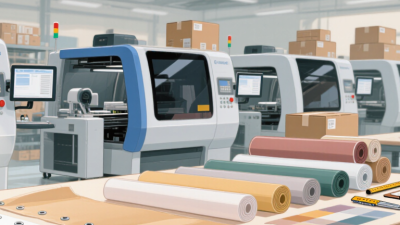
The printer should match the banner’s width, quantity, and finishing method. A wide-format machine prevents awkward seams on large graphics. Accurate media tension helps avoid wrinkles and banding. Before printing, I check nozzle condition, head alignment, resolution, and ink limits. A small test strip can reveal poor adhesion or unexpected color shifts. I also inspect the finished edge, eyelets, and welded seams. These details matter. Some failures come from rushed setup, not weak equipment. Rechecking measurements is still worthwhile.
How to Print a High Quality Banner?
Typical outdoor service life by banner material and ink technology
PVC vinyl paired with solvent or UV-curable ink commonly provides about 3–5 years of outdoor service, while mesh vinyl typically lasts around 2–3 years because its open structure reduces wind load but exposes more printed surface. Fabric banners printed with dye-sublimation ink are lightweight and vibrant, but are generally better suited to shorter outdoor campaigns. Actual durability depends on sunlight, weather, finishing, installation, and maintenance.
Set Up the Printer and Produce a Controlled Test Print
How to Print a High Quality Banner?
Set Up the Printer and Produce a Controlled Test Print
A sharp banner begins with a stable printer setup. Place the machine on a level surface, then check ink levels, printhead condition, and media alignment. Use the correct banner material and load it without wrinkles. Dust can create pale streaks, so clean the feed path before printing.
Small details matter.
Set the file to its intended dimensions and choose the correct resolution. Select the matching media profile in the printer settings. Disable automatic color changes if the workflow requires fixed output. Before using the full roll, print a controlled test strip. Include solid black, skin-tone colors, primary colors, gradients, small text, and fine lines. Keep the test strip short but informative.
Inspect the sample after adequate drying time. View it under neutral, consistent lighting. Check banding, color shifts, edge sharpness, and uneven density. Measure important color patches when accurate reproduction matters. I also compare the printed strip with the approved design on screen, though screens can mislead.
A rushed test once looked acceptable, but the final banner showed weak red tones after drying. That mistake changed my process. I now record settings, temperature, humidity, media type, and drying time for every test. Repeat the strip after adjustments.
Do not waste the entire roll on a guess.
Inspect, Finish, and Store the Printed Banner Properly
How to Print a High Quality Banner?
Inspect, Finish, and Store the Printed Banner Properly
A high-quality banner needs careful handling after printing. Let the ink cure before inspection, especially with solvent or latex processes. I usually check the surface under neutral white light. Bright colors can hide banding, dust, or uneven coating. Look closely at text, logos, borders, and fine lines. Confirm the finished dimensions with a steel ruler, not by sight alone. Small mistakes become obvious after installation.
Trim the edges cleanly and remove loose threads. Add hems where wind or repeated handling may stress the material. Grommets should sit evenly and remain firmly attached. Pulling one by hand is a simple strength check. Do not fold it. Folding can create permanent creases and damage printed areas. I once rushed this stage and missed a slightly crooked hem. It was usable, but not professional. That mistake changed my inspection routine.
Clean the banner with a soft, dry cloth before packing it. If moisture remains, mold or surface marks may develop during storage. Roll the banner according to the material supplier’s guidance, usually with the printed side facing outward. Store it upright in a protective sleeve, away from heat, sunlight, and sharp objects. Keep the storage area dry and stable. Label the roll with the job name, size, and date. This makes later handling safer and reduces unnecessary unrolling.